
TulipSoft Labs
Calendar Flow
Calendar Flow helps you work with Google Calendar events on a timeline and add lightweight flow metadata around them.
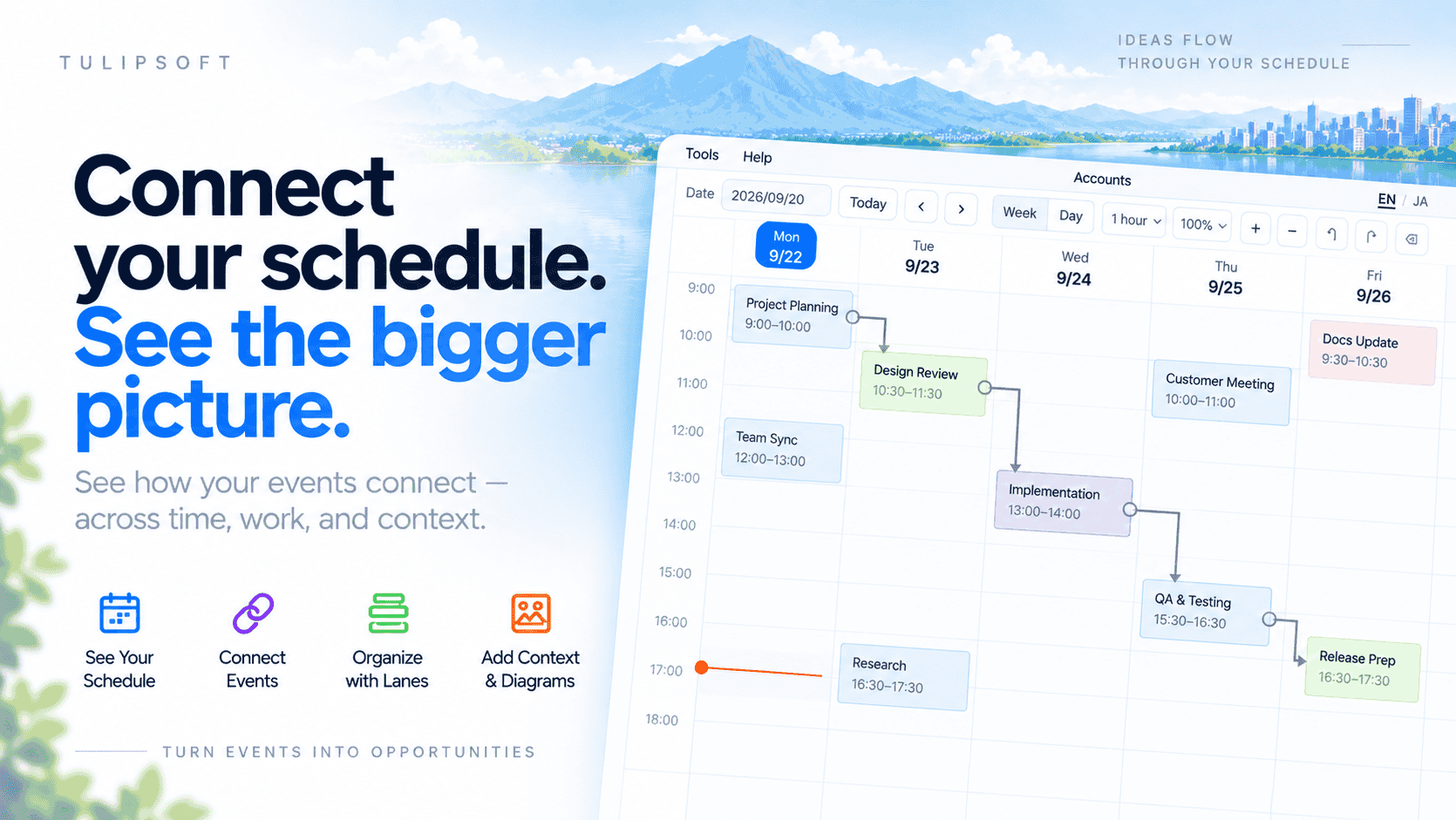
What Calendar Flow Does
Calendar Flow displays Google Calendar events on a time-based workspace. You can create, edit, delete, and move events, connect related events with Flow Links, place events in lanes, and associate events with diagrams.
Timeline
View calendar events across day, week, and longer ranges.
Flow Links
Connect events to visualize relationships between them.
Lanes and Diagrams
Add Calendar Flow metadata without changing the Google Calendar event body.
Google Calendar Integration
Calendar Flow uses the Google Calendar API to list calendars, retrieve and display calendar events, create events, edit events, delete events, and move events between calendars.
Google Calendar remains the source of truth for the calendar event body. Flow Links, lanes, task status, activity settings, and diagram relationships are Calendar Flow metadata.
Login and Calendar Access
Using Calendar Flow requires a TulipSoft Account login. Google Calendar access is requested separately after login and starts only when you explicitly connect Google Calendar.
Before You Open the App
The Google Account used for TulipSoft Login does not need to be the same Google Account connected for Google Calendar.