 TulipSoft
 NoxPlayer
NoxPlayer
Here we will explain NoxPlayer using Windows as an example.
What is NoxPlayer?
NoxPlayer (Nox) is a free emulator that allows you to enjoy Android games and apps on WIN and MAC.
To run an emulator in Android Studio, there is a way to connect a standard emulator or a real device, but I will introduce a method using Nox.
How to install Nox
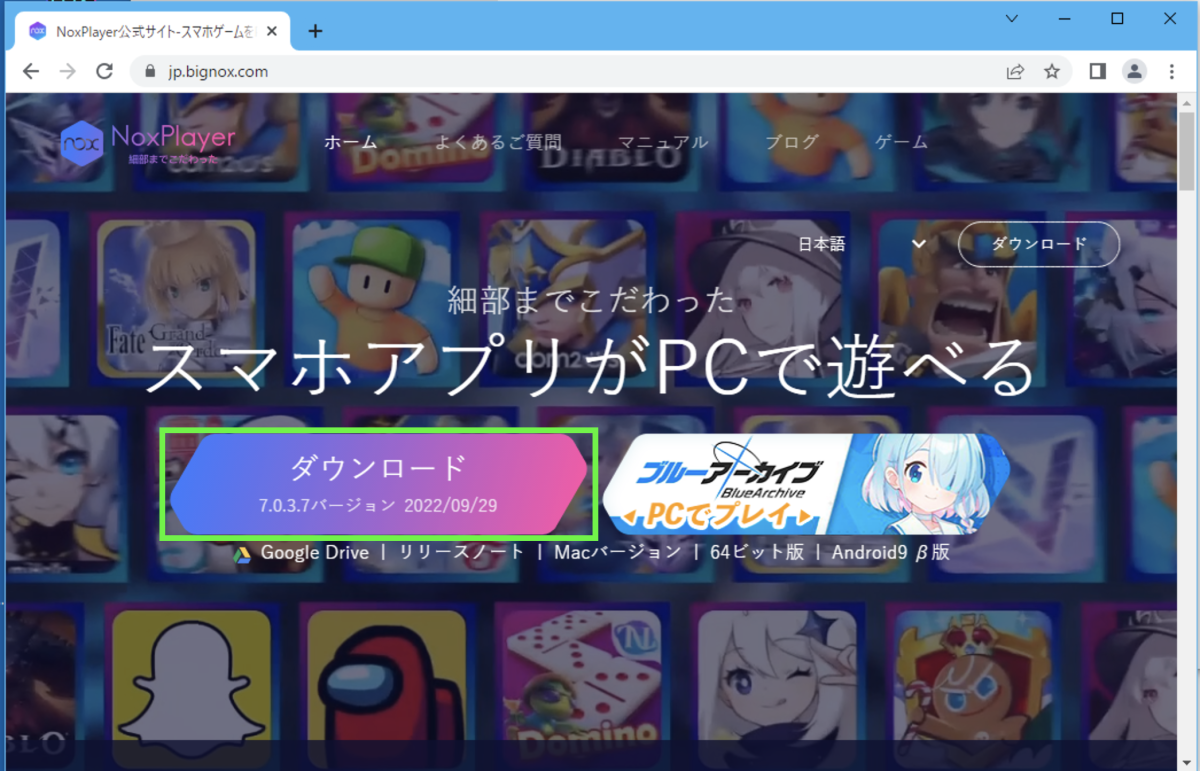
Please access the following URL and press the download button to download. When the download is complete, a file like “nox_setup_v7.0.3.6_full_intl.exe” will be created. Start it and proceed with the installation.
Starting Nox
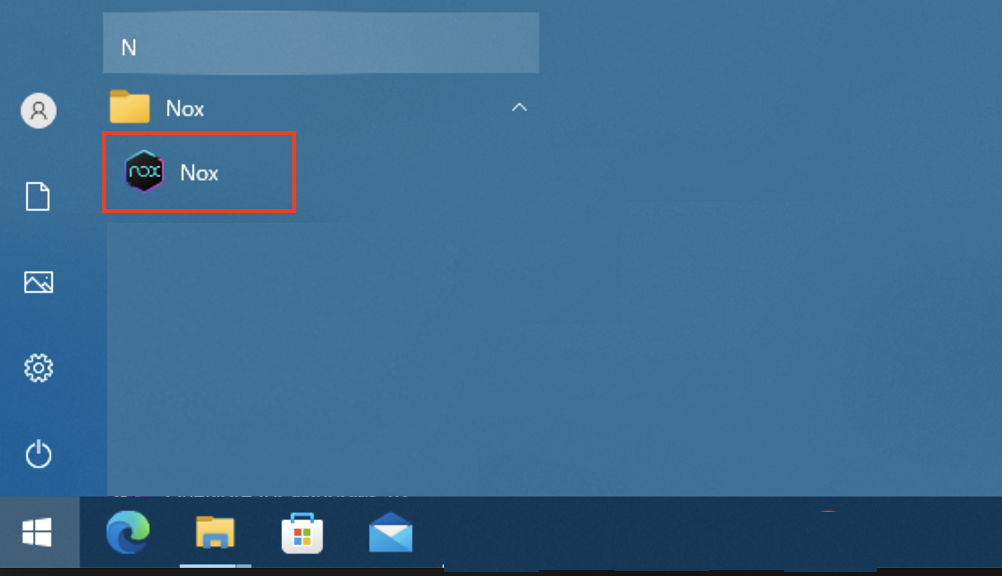
Start Nox.
To start Nox
- Select “Nox” from the menu
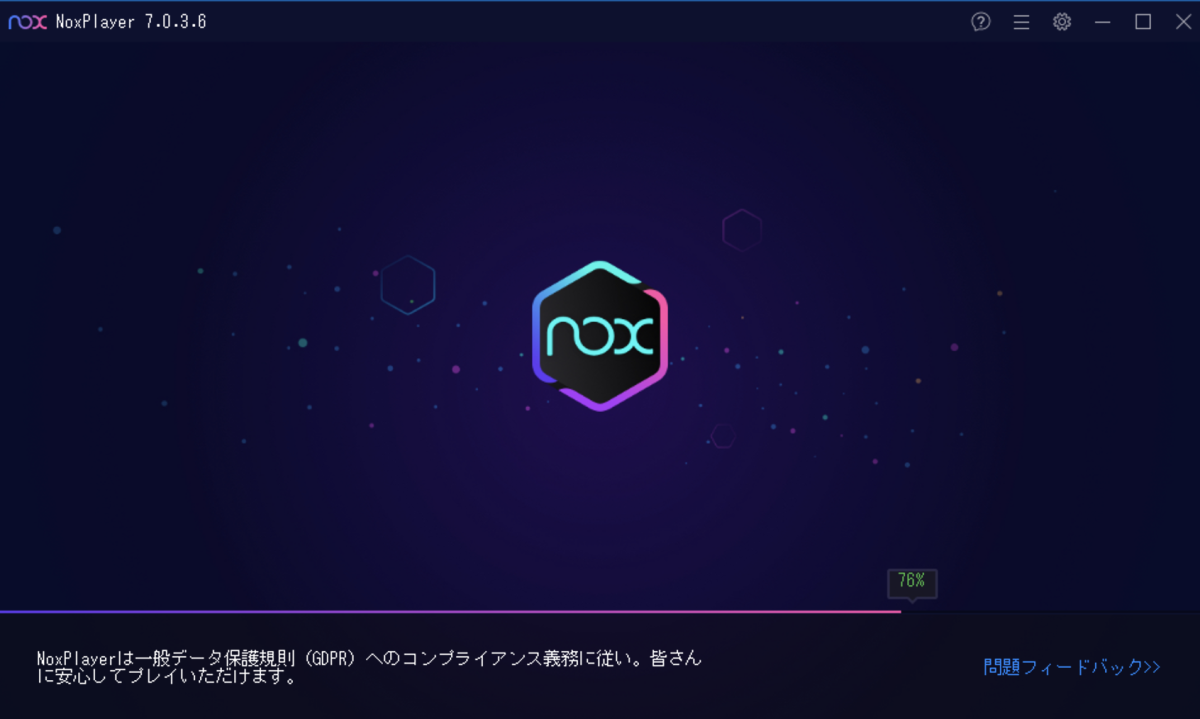
- Nox will start.
- Once the startup is complete, the Android desktop will be displayed.
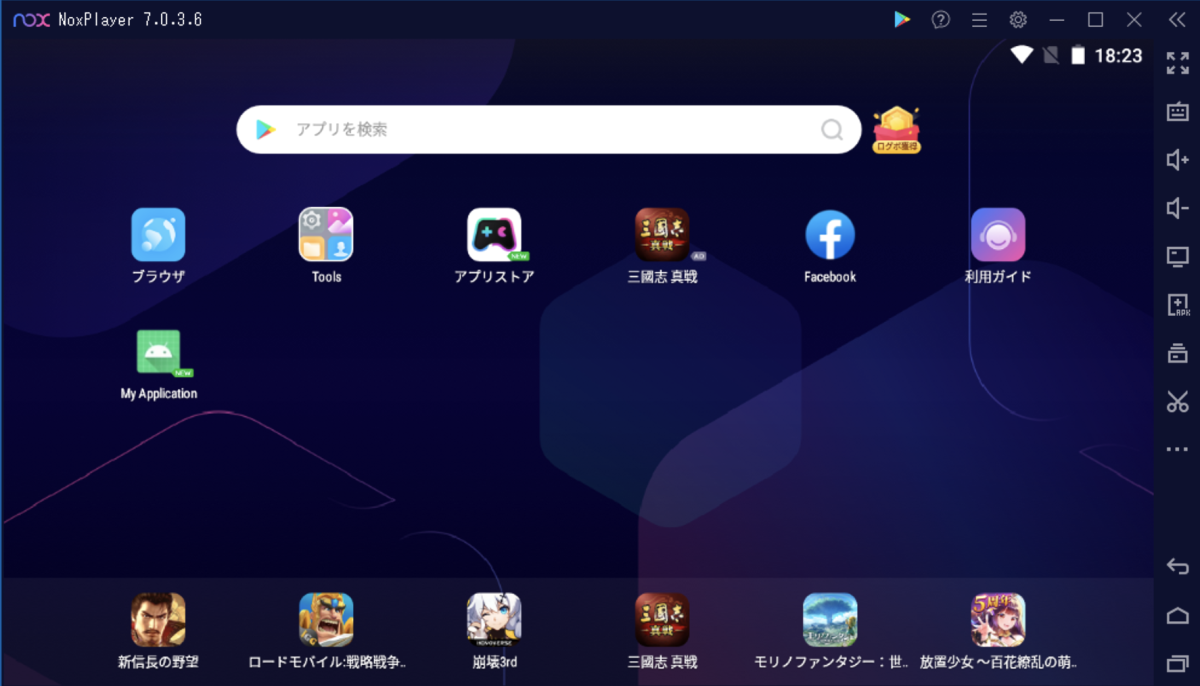
Make Nox an emulator in Android Studio
To select Nox in Android Studio’s emulator, follow these steps: (If Nox is running, please close it once.)
How to make Nox an emulator
- Start Android Studio
- Start Nox
- Select the emulator in AndroidStudio
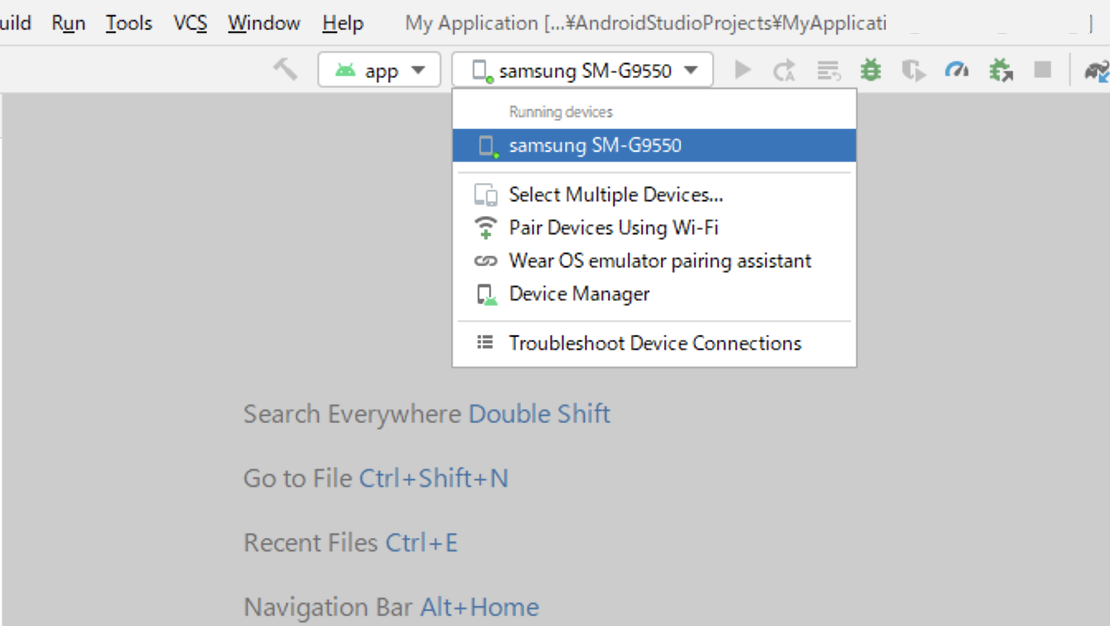
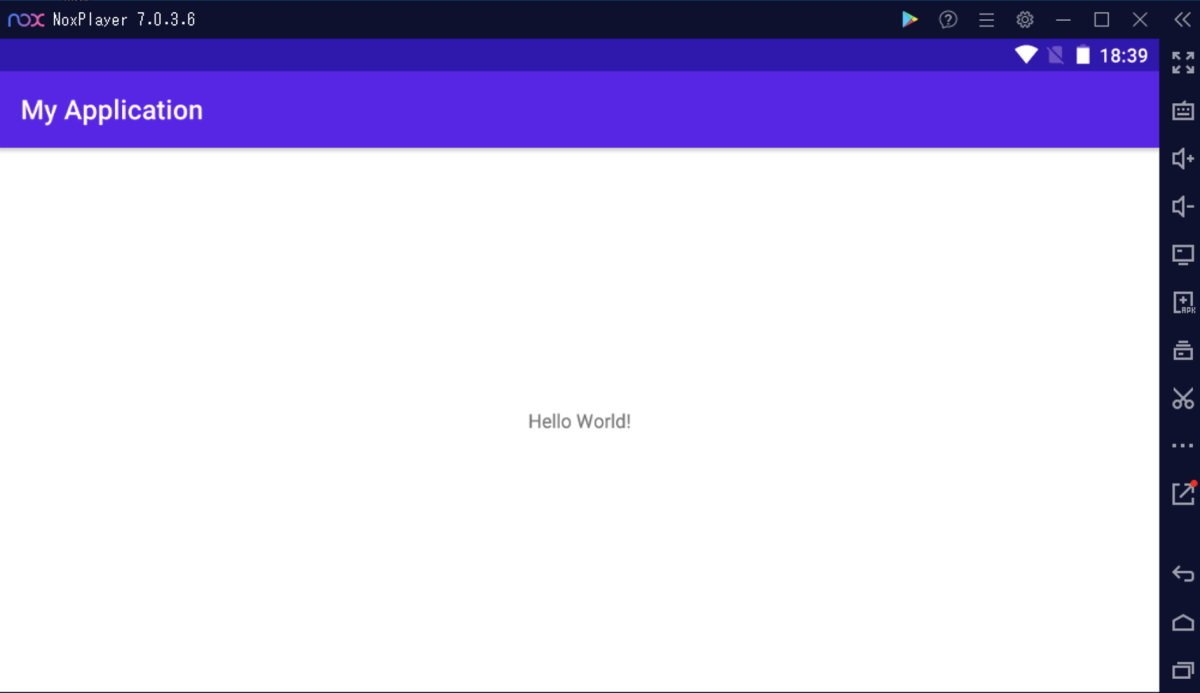
- Start the application in Android Studio