 TulipSoft
 Editor
text editor
This page describes text editors. A dedicated application for editing text files and HTML files is called a text editor or editor. There are various text editors, but here we will introduce VSCode, which runs on Windows.
VSCode
VSCode is an editor developed by Microsoft that can be used for programming and editing various files.
Download the installer for your OS from the next page.
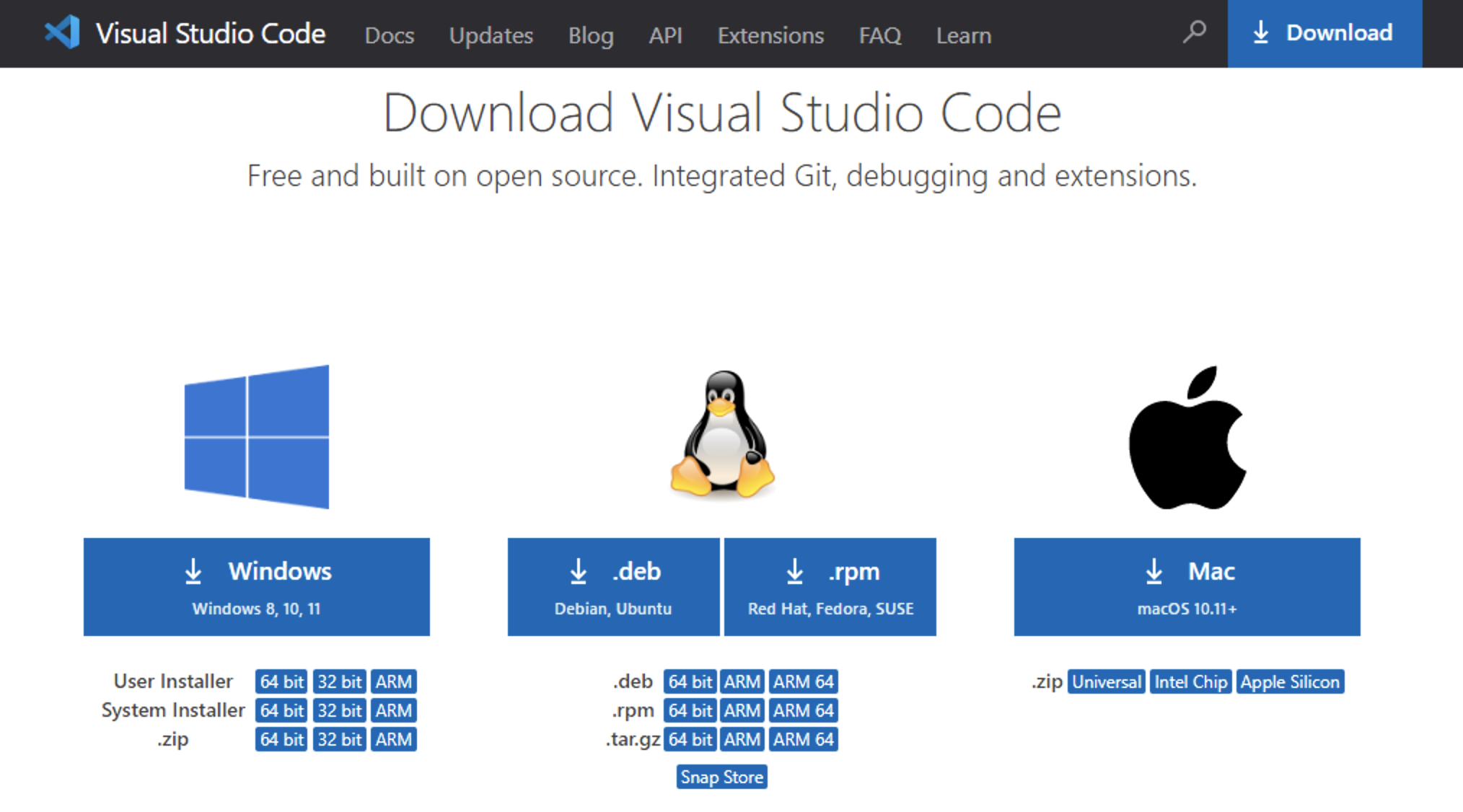
Once the download is complete, an exe file will be created, so launch it and install it. (Example: VSCodeUserSetup-x64-1.71.2.exe)
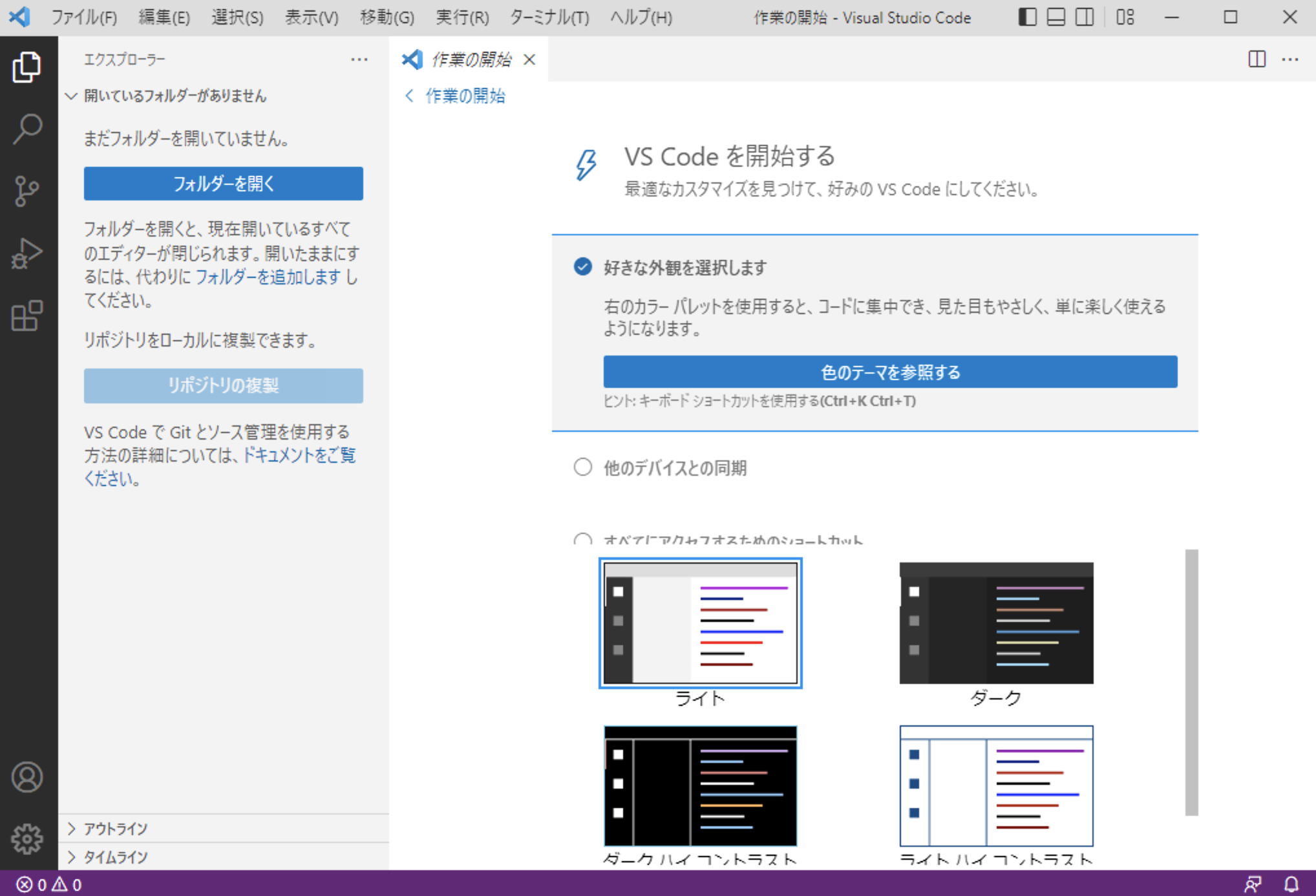
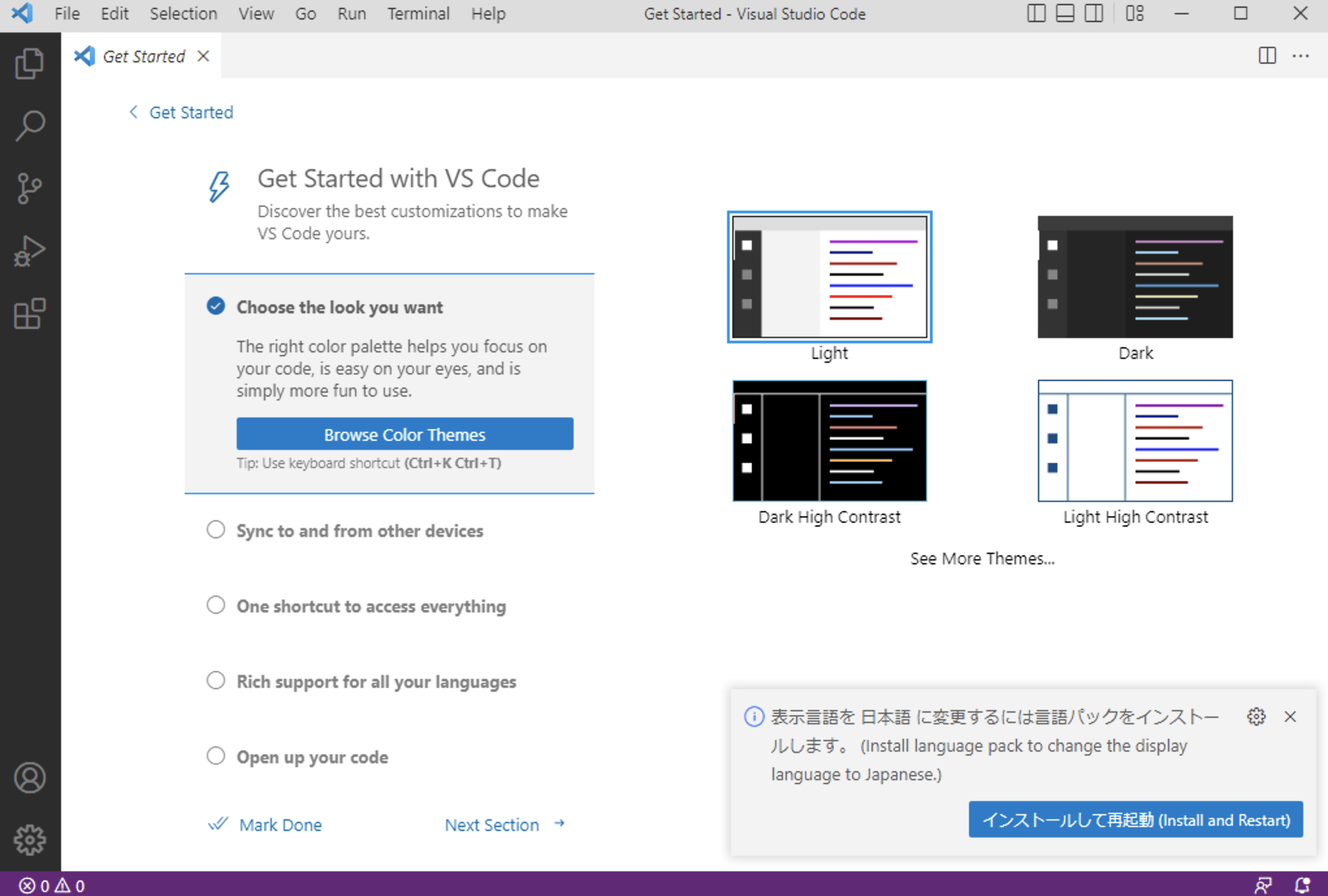
When the installation is complete and you start VSCode, the “Japanese Language Pack” extension installation button will be displayed on the startup screen. If you select and install this extension, the menu display etc. will be translated into Japanese.
After the installation of the Japanese language pack is completed and the computer is restarted, the display will be in Japanese.